 Bransford Media
Apple Log to Rec.709
Free Blackmagic Camera app (iPhone / Android) LUT (Apple Log to Rec.709)
Turns the Blackmagic Camera app (iPhone / Android)'s Apple Log footage into normal-looking Rec.709 video. One .cube LUT, free for any project, no email.
The zip holds the same LUT twice: a 65-point file for editing, and a 33-point file for monitoring on a camera or in an app, or for older apps that won't load the larger one.
Built from Apple's published spec and checked against Apple's own LUT.
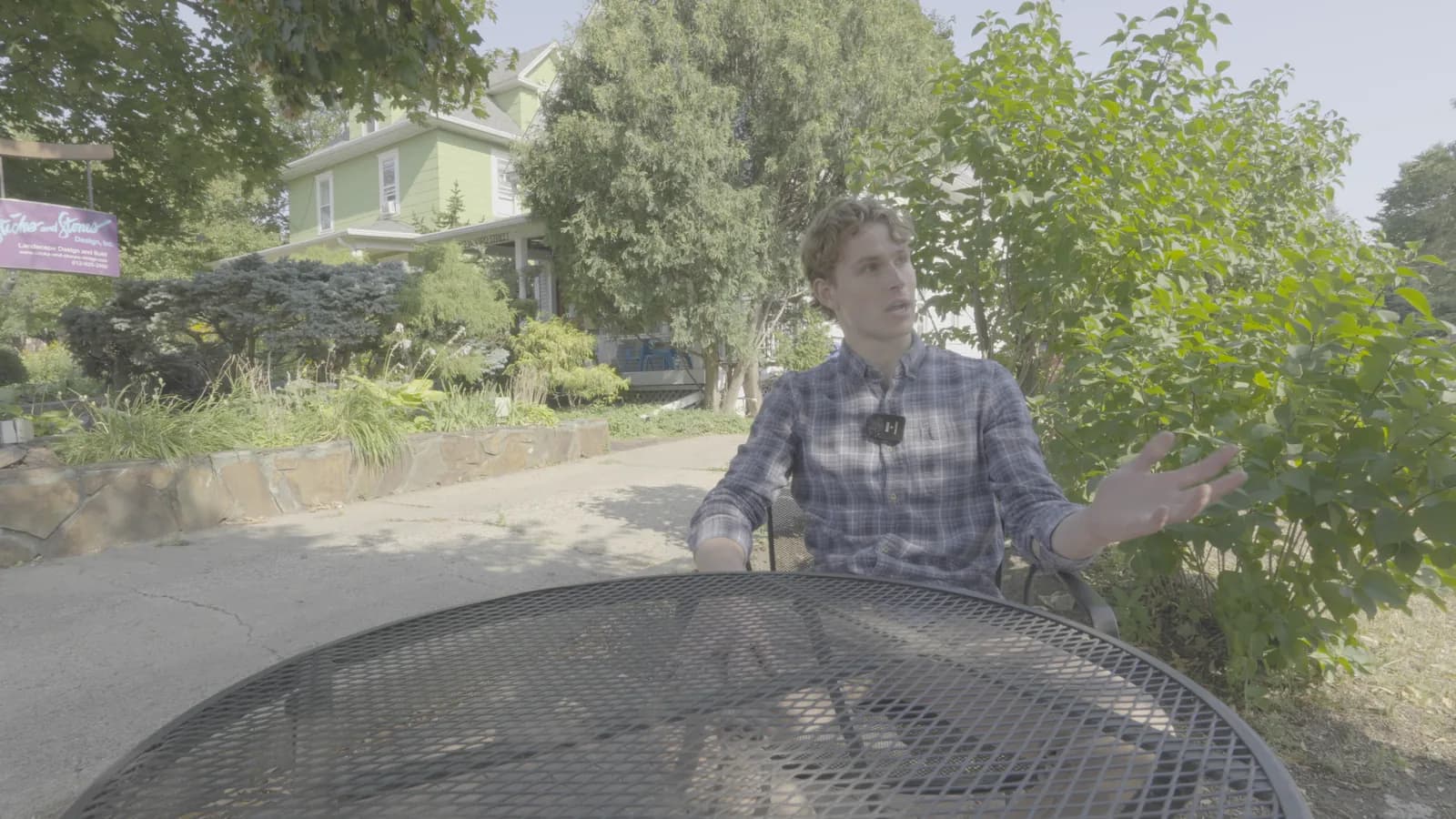
Apple Log, as recorded
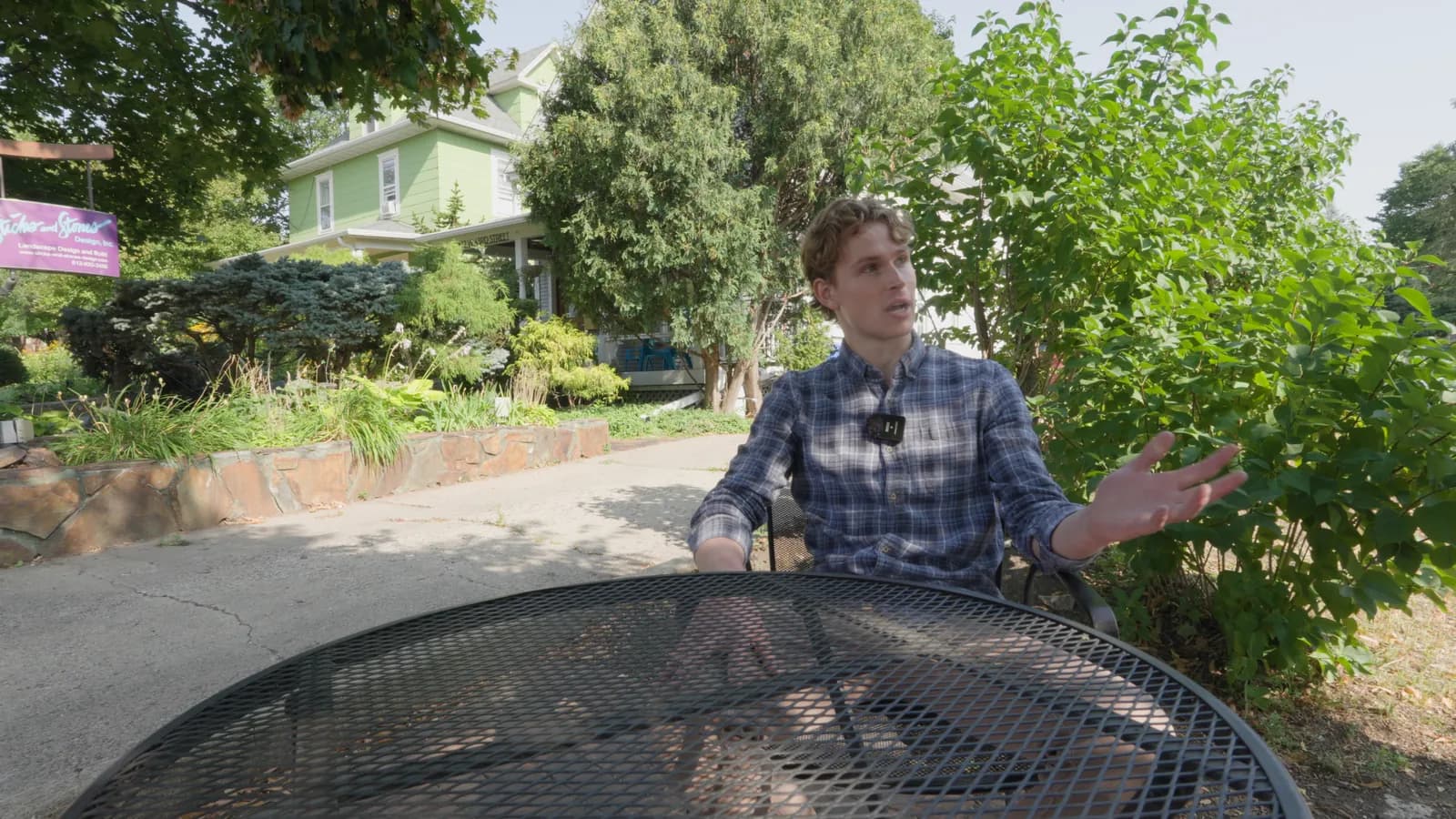
With the LUT
The LUT converts Apple Log with Rec.2020 color, as the manufacturer publishes them, into Rec.709 through the ACES 2.0 output (SDR, 100 nits).
Built from: Apple, Apple Log Profile White Paper.
Set up the Blackmagic Camera app (iPhone / Android)
- iPhone: Color Space setting lists Rec.709, Rec.2020, P3 D65, BT2020 HLG10, BT2020 HDR10, Apple Log and ACES - 'based on device' (Apple Log only appears on iPhones that support it: iPhone 15 Pro and later Pro models).
- Apple Log 2 added in app version 3.1 (September 2025) for iPhone 17 Pro and later; records ProRes or HEVC.
- Android: Color Space lists only Rec.709, Rec.2020 HLG10 and BT2020 HDR10 - no log; Samsung Log comes only from Samsung's own Camera app.
Sources
- blackmagicdesign.com
iPhone and Android colour space lists; 'Apple Log to Rec. 709 LUT supported on iPhone 15 Pro and iPhone 15 Pro Max'
- apps.apple.com
Version 3.1 'Support for Apple Log 2.'; later version adds iPhone 18 Pro / Pro Max; description: iPhone 15 Pro and Pro Max support Apple Log
Recording a different profile?
- Download the Apple Log 2 / Apple Wide Gamut LUT
Built from Apple's published spec and checked against Apple's own LUT.
About Apple Log 2 / Apple Wide Gamut